

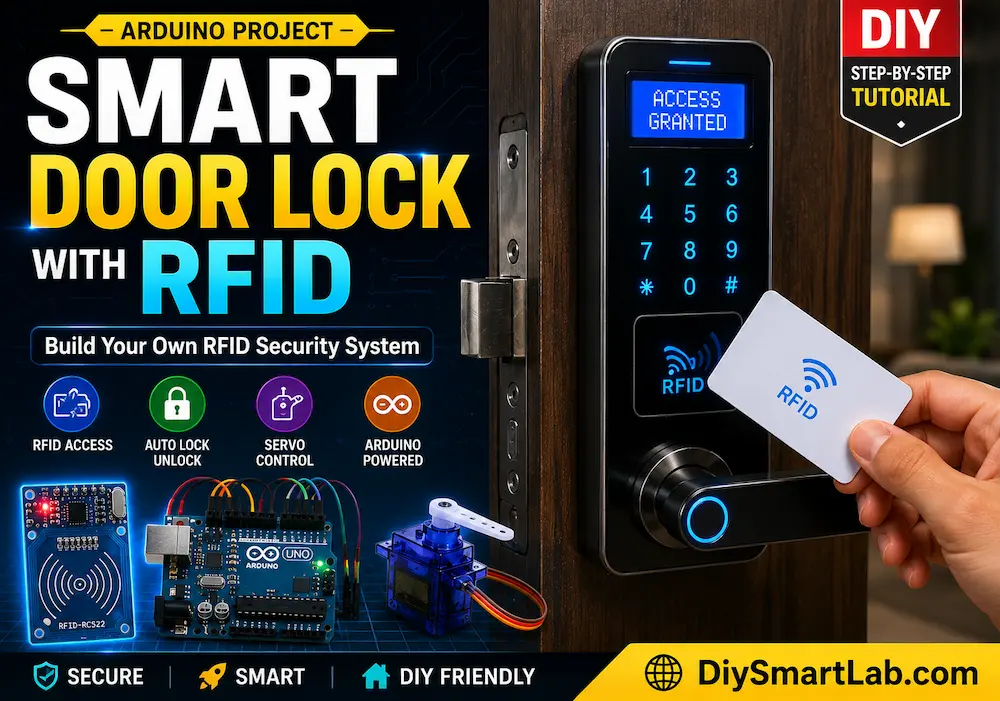
Smart Door Lock with RFID Using Arduino

Smart Door Lock with RFID Using Arduino | DIY RFID Security System
Looking for a smart home security project? In this tutorial, you will learn how to build a Smart Door Lock with RFID using Arduino Uno. This DIY RFID security system allows access using RFID cards or key tags instead of traditional keys.
This project is perfect for beginners interested in Arduino projects, smart home automation, and RFID-based security systems. We will use an MFRC522 RFID module, SG90 servo motor, and Arduino Uno to create a simple but powerful electronic door lock.
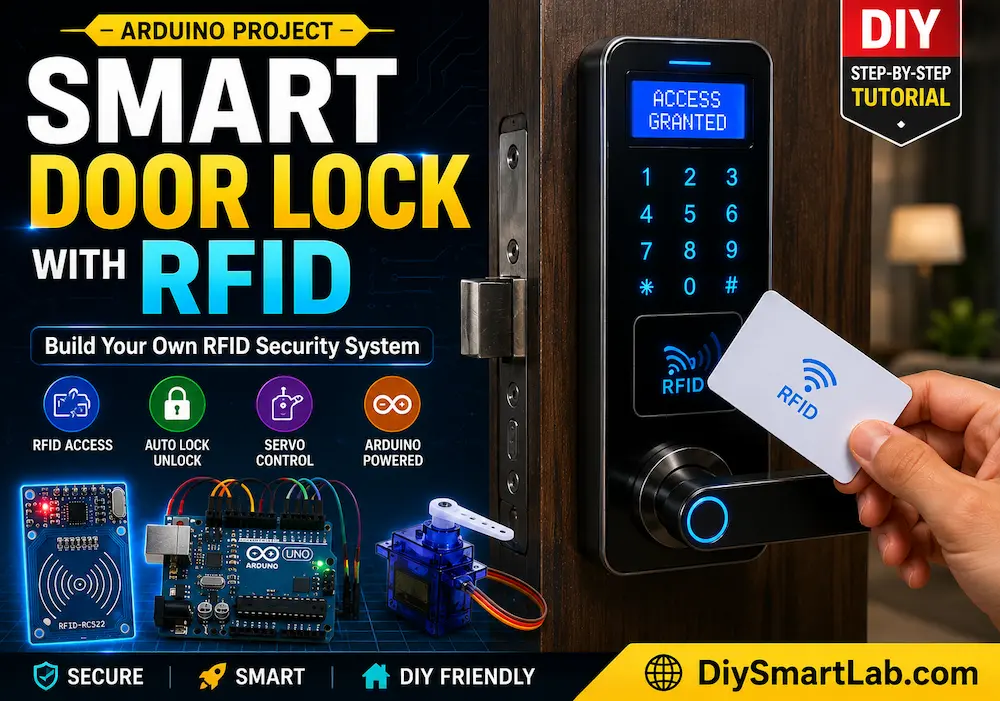
What is an RFID Smart Door Lock?
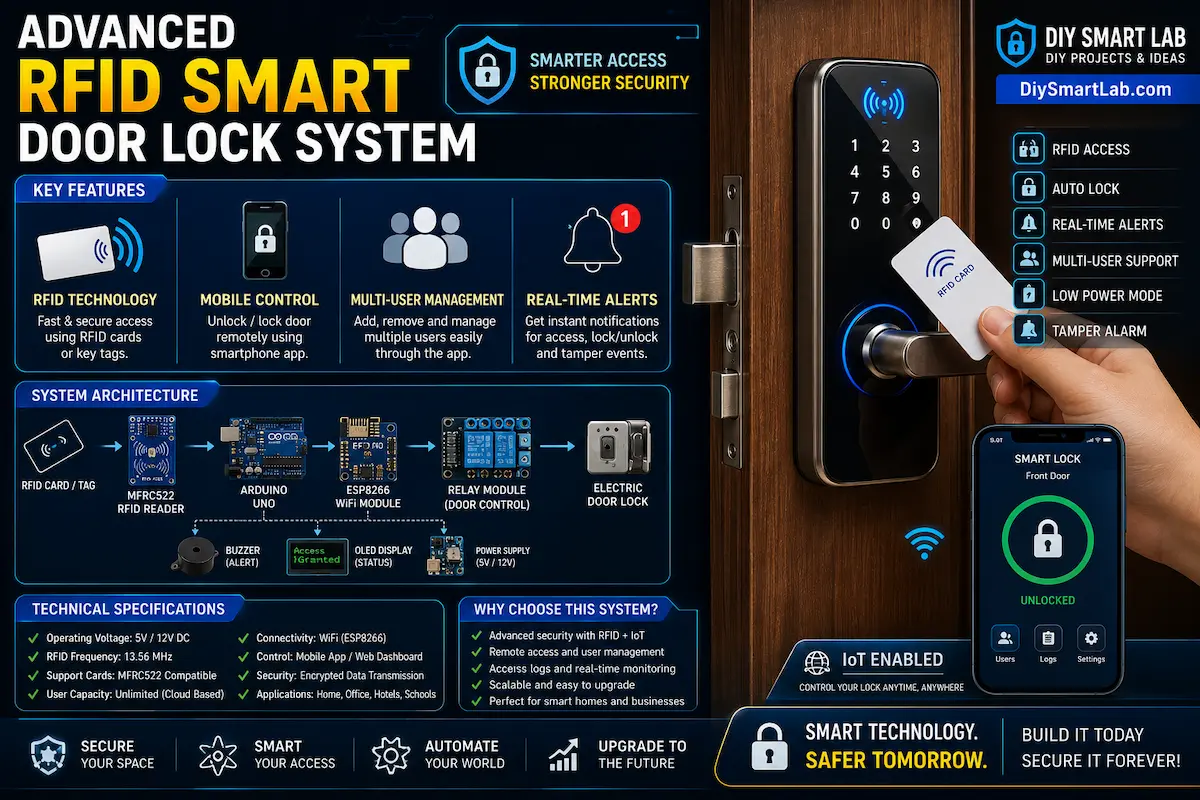
An RFID smart door lock is an electronic locking system that uses Radio Frequency Identification (RFID) technology to unlock doors. When an authorized RFID card or tag is scanned near the RFID reader, the system verifies the UID and unlocks the door automatically.
Unlike traditional locks, RFID door locks provide better security, fast access, and smart automation features.
Features of This RFID Door Lock Project
- RFID-based smart access control
- Automatic door locking and unlocking
- Arduino-controlled servo mechanism
- Easy wiring and beginner-friendly setup
- Expandable for IoT and WiFi control
- Low-cost DIY smart security project
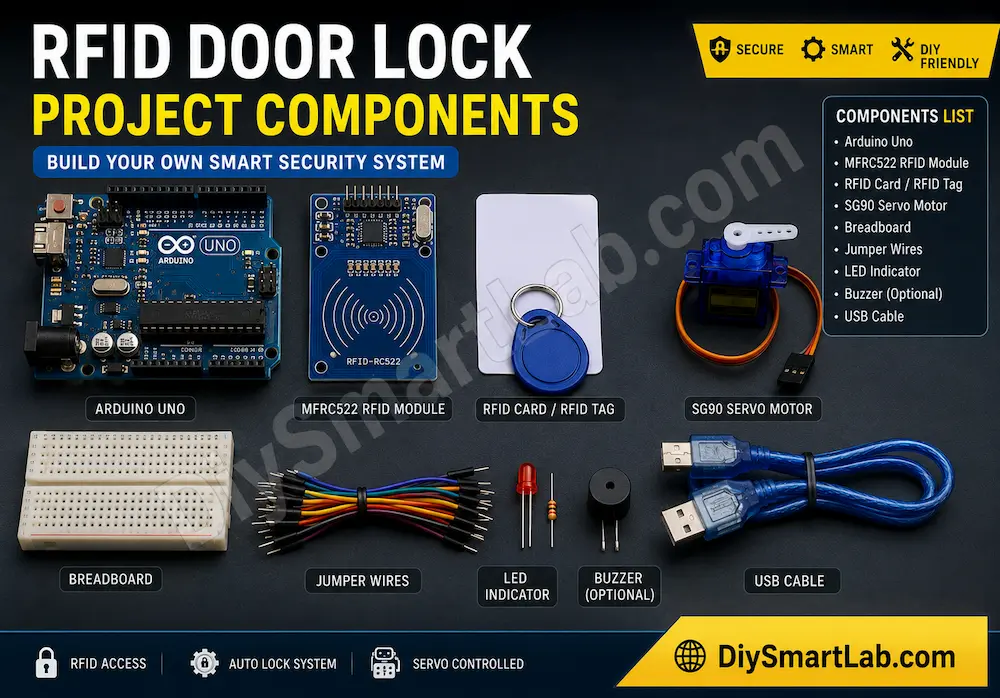
Components Required
| Component | Quantity |
|---|---|
| Arduino Uno | 1 |
| MFRC522 RFID Reader Module | 1 |
| RFID Card / RFID Tag | 1 or More |
| SG90 Servo Motor | 1 |
| Breadboard | 1 |
| Jumper Wires | Several |
| LED Indicator | 1 |
| Buzzer (Optional) | 1 |
| USB Cable | 1 |
RFID Door Lock Circuit Diagram
Connect the MFRC522 RFID module and SG90 servo motor to Arduino Uno using the SPI interface. Follow the wiring table below carefully.
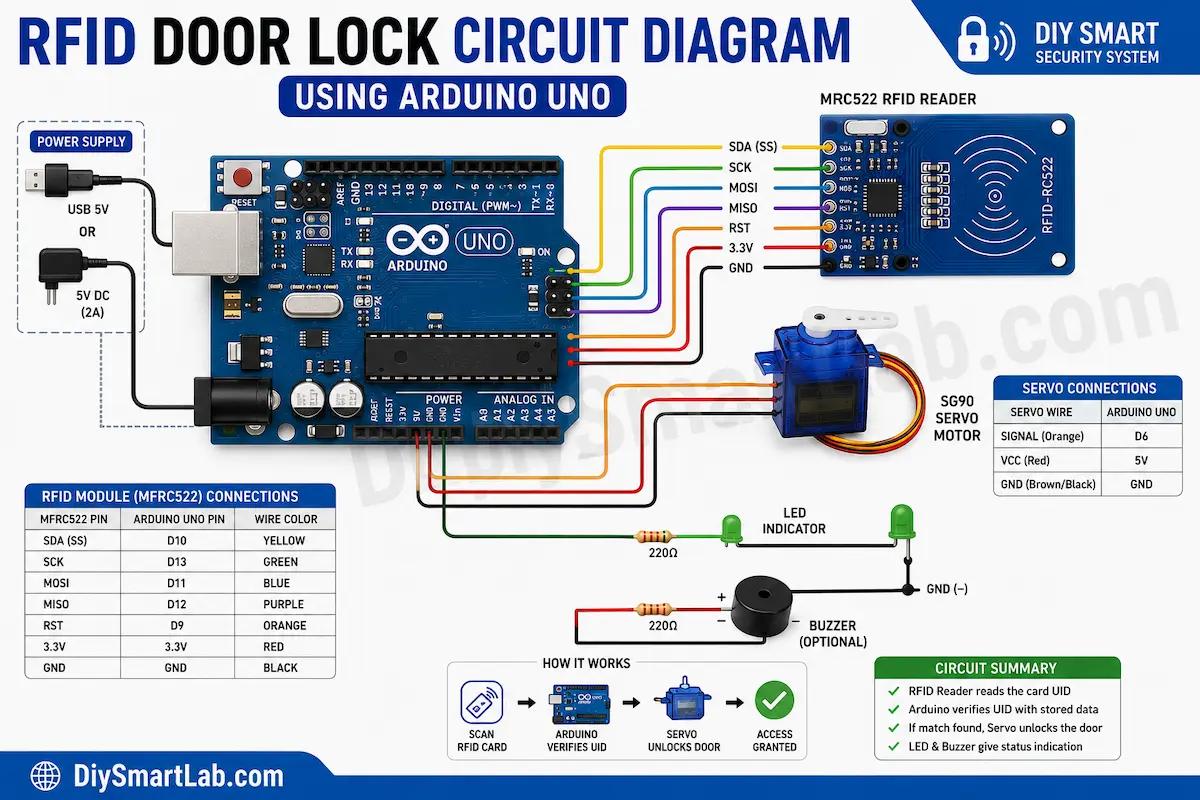
| RFID Module Pin | Arduino Uno Pin |
|---|---|
| SDA | D10 |
| SCK | D13 |
| MOSI | D11 |
| MISO | D12 |
| RST | D9 |
| 3.3V | 3.3V |
| GND | GND |
Servo Motor Connections:
- Signal → D6
- VCC → 5V
- GND → GND
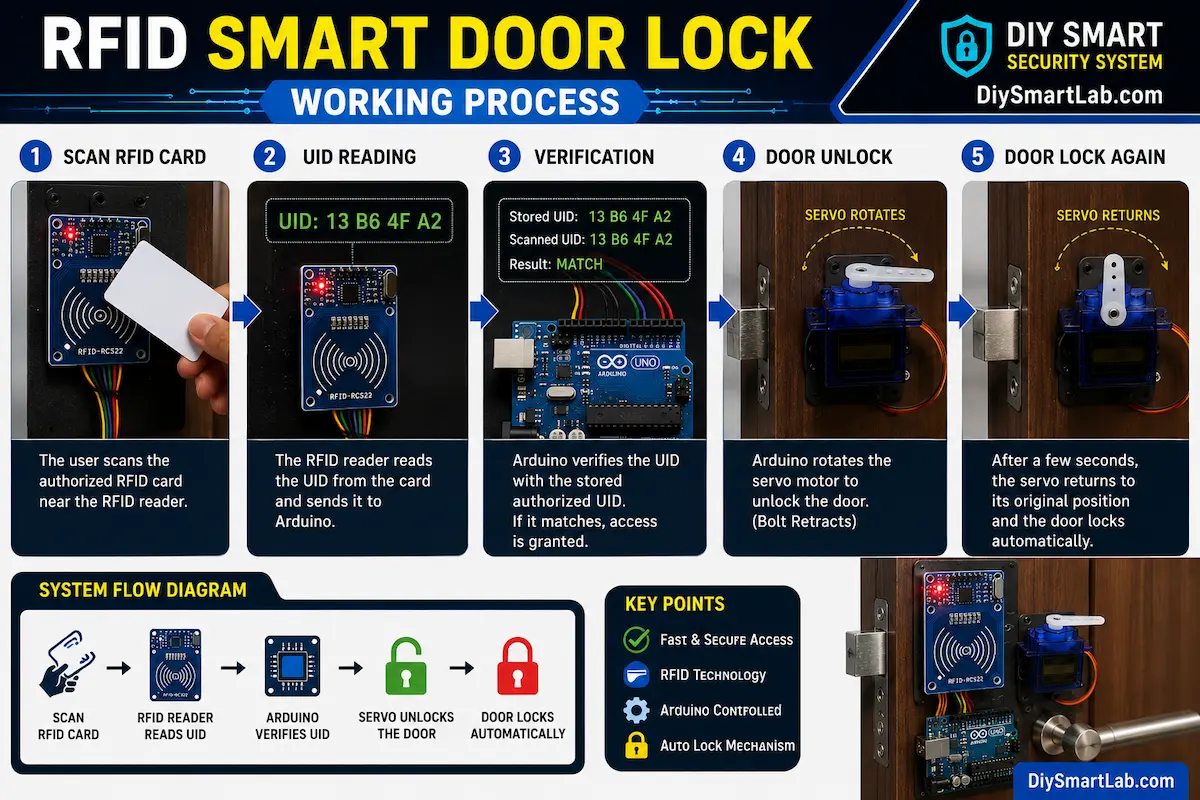
How RFID Smart Door Lock Works
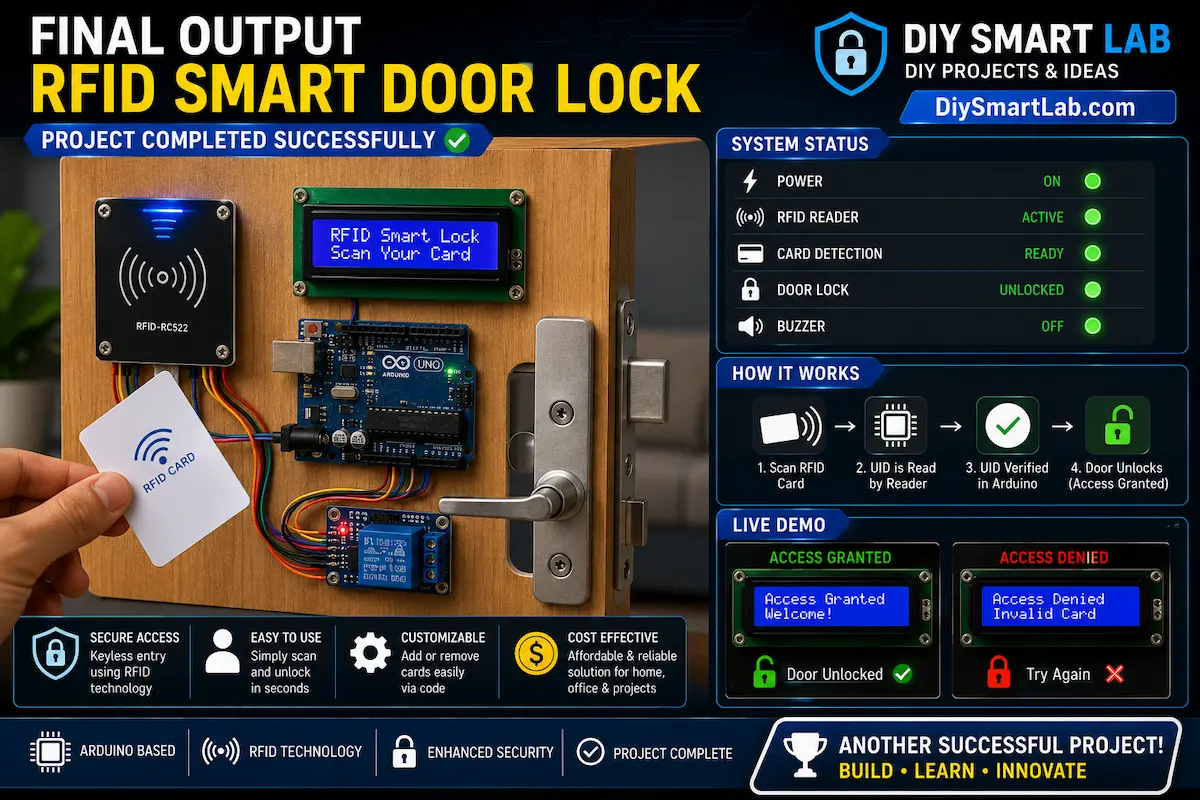
The MFRC522 RFID reader continuously scans nearby RFID cards or tags. When a valid RFID card is detected, the Arduino compares the card UID with the stored authorized UID.
If the UID matches, Arduino rotates the SG90 servo motor to unlock the door. After a few seconds, the servo returns to the locked position automatically.
Arduino Code for RFID Door Lock
#include <SPI.h>
#include <MFRC522.h>
#include <Servo.h>

#define SS_PIN 10
#define RST_PIN 9

MFRC522 rfid(SS_PIN, RST_PIN);
Servo lockServo;

String authorizedUID = "13B64FA2";

void setup() {

  Serial.begin(9600);

  SPI.begin();

  rfid.PCD_Init();

  lockServo.attach(6);

  lockServo.write(0);

  Serial.println("RFID Door Lock Ready");

}

void loop() {

  if (!rfid.PICC_IsNewCardPresent())
    return;

  if (!rfid.PICC_ReadCardSerial())
    return;

  String tag = "";

  for (byte i = 0; i < rfid.uid.size; i++) {

    tag += String(rfid.uid.uidByte[i], HEX);

  }

  Serial.println(tag);

  if (tag == authorizedUID) {

    Serial.println("Access Granted");

    lockServo.write(90);

    delay(5000);

    lockServo.write(0);

  } else {

    Serial.println("Access Denied");

  }

  rfid.PICC_HaltA();

}
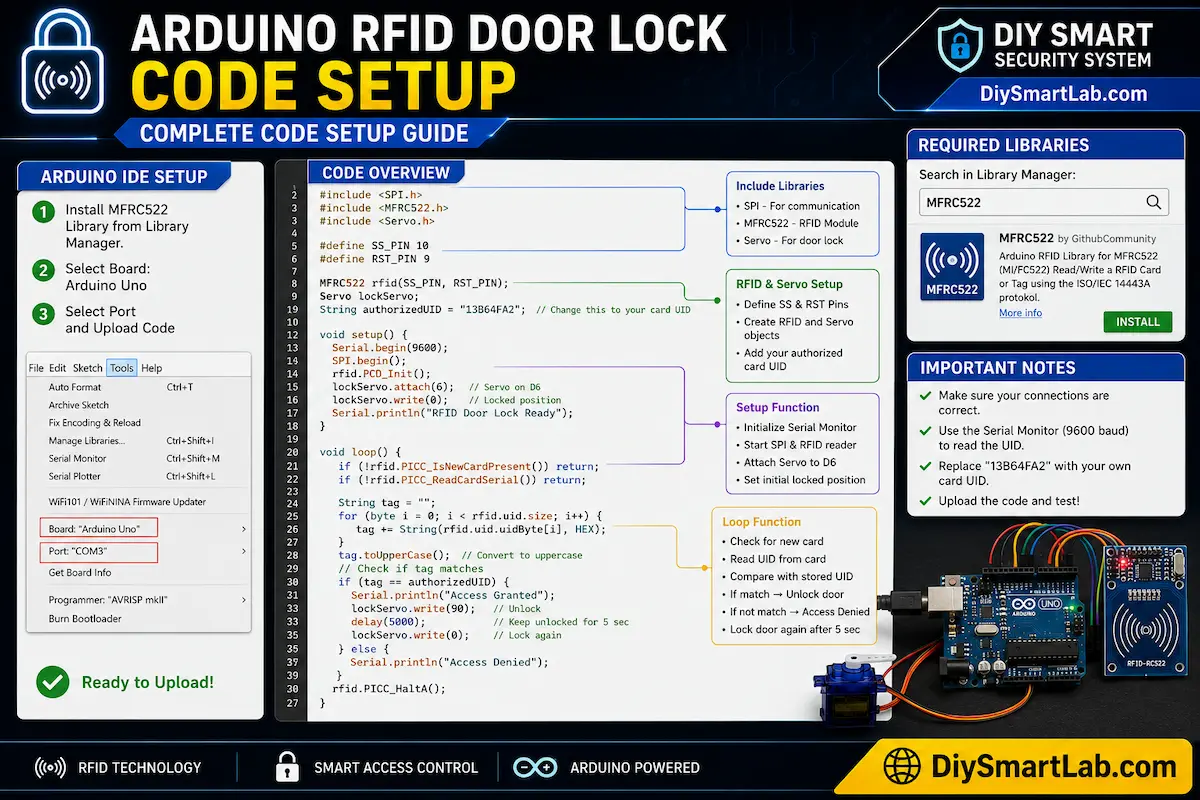
Arduino IDE Programming Setup
Install the MFRC522 library from the Arduino Library Manager before uploading the code. Select the correct COM port and Arduino board from the Tools menu.
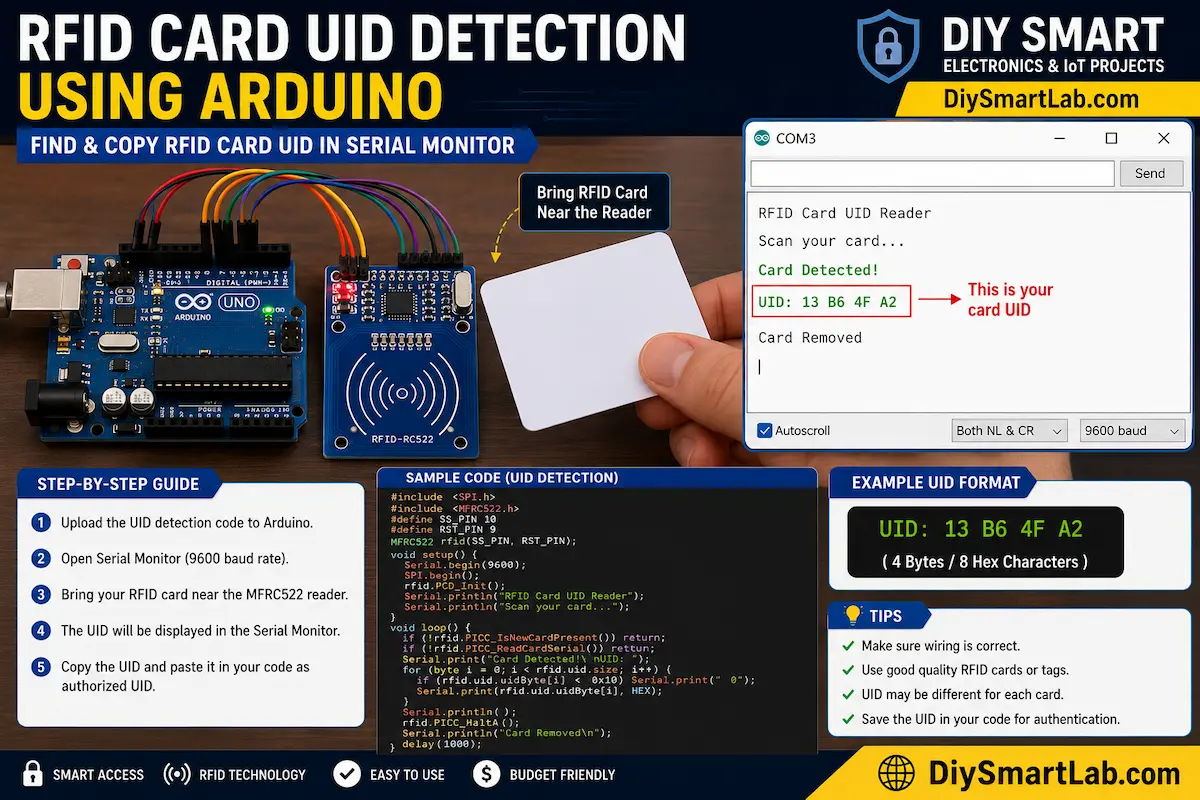
How to Find RFID Card UID
Open the Serial Monitor after uploading the code. Scan the RFID card near the reader. The UID number will appear on the screen. Copy this UID and replace it in the Arduino code.
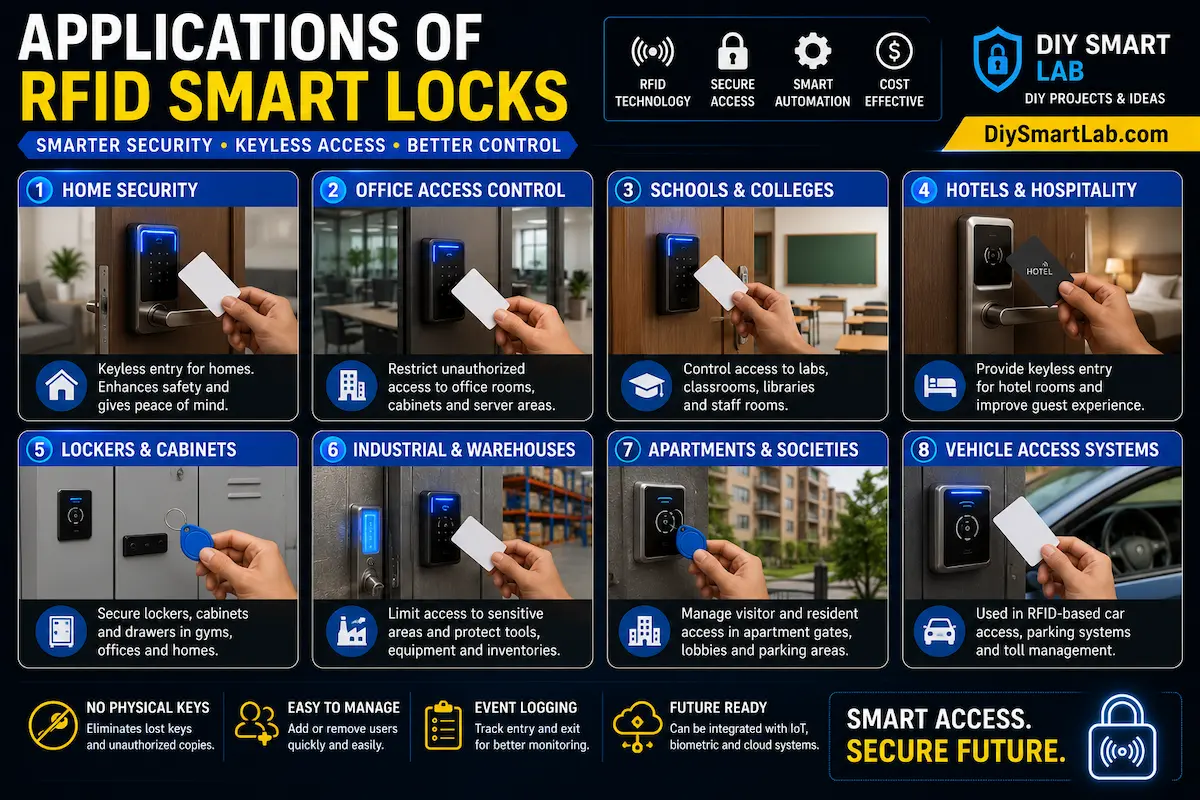
Applications of RFID Smart Lock
- Smart home security systems
- Office access control
- School and college laboratories
- Locker and cabinet protection
- Hotel room security systems
Advanced Upgrade Ideas
- Add WiFi monitoring using ESP8266
- Control door lock using smartphone app
- Add fingerprint authentication
- Use LCD display for access messages
- Store multiple user RFID cards
- Add cloud logging system
Troubleshooting Common Problems
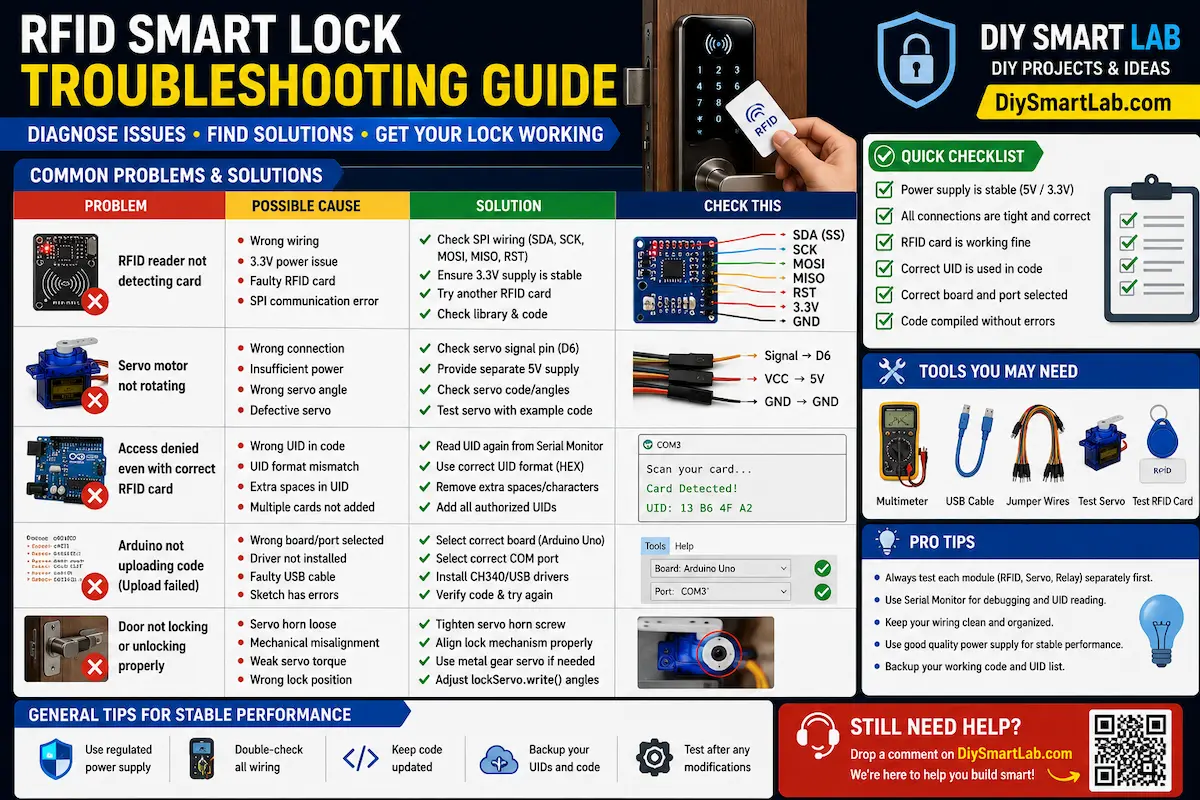
| Problem | Solution |
|---|---|
| RFID reader not detecting card | Check SPI wiring connections |
| Servo motor not rotating | Verify power supply and signal pin |
| Wrong UID reading | Use correct baud rate in Serial Monitor |
| Arduino upload failed | Select correct COM port and board |
Final RFID Smart Door Lock Output
After successful setup and programming, your Arduino-powered RFID smart door lock system will unlock automatically when an authorized RFID card is scanned near the MFRC522 module.
SEO FAQs
What is RFID in Arduino?
RFID stands for Radio Frequency Identification. It allows wireless identification using RFID cards or tags in Arduino projects.
Which RFID module is best for Arduino?
The MFRC522 RFID module is one of the most popular and affordable RFID readers for Arduino-based projects.
Can I use RFID for home security?
Yes, RFID systems are widely used in smart home security, office access control, and electronic door locks.
Can I add multiple RFID users?
Yes, you can store multiple RFID card UIDs in the Arduino code for multi-user access control.
Conclusion
The Smart Door Lock with RFID using Arduino is a fantastic DIY smart home project for beginners and electronics enthusiasts. It combines RFID technology, automation, and Arduino programming to create a practical security system.
You can further upgrade this project using WiFi, fingerprint sensors, mobile apps, and cloud-based monitoring systems for advanced IoT home automation.