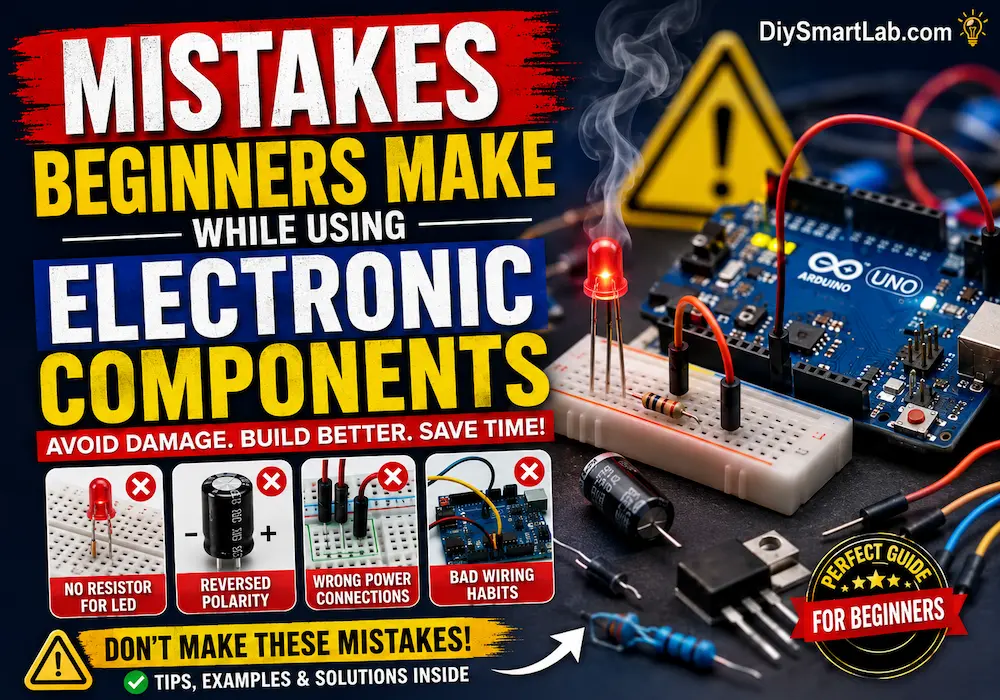

Mistakes Beginners Make While Using Electronic Components
Learning electronics is exciting, but many beginners make common mistakes while using electronic components. These mistakes can damage components, create circuit failures, or even become safety hazards. Understanding these beginner electronics mistakes will help you build better projects, protect your components, and improve your skills faster.
In this guide by DiySmartLab.com, you will learn the most common mistakes beginners make while working with resistors, LEDs, capacitors, transistors, Arduino boards, sensors, and power supplies.
Why Beginners Make Electronics Mistakes
Most beginners are excited to build circuits quickly, but they often skip important basics such as checking polarity, calculating resistor values, or understanding power ratings. Small mistakes can cause:
- Burned electronic components
- Short circuits
- Overheating issues
- Incorrect sensor readings
- Arduino board damage
- Power supply failures
- Unsafe electrical connections
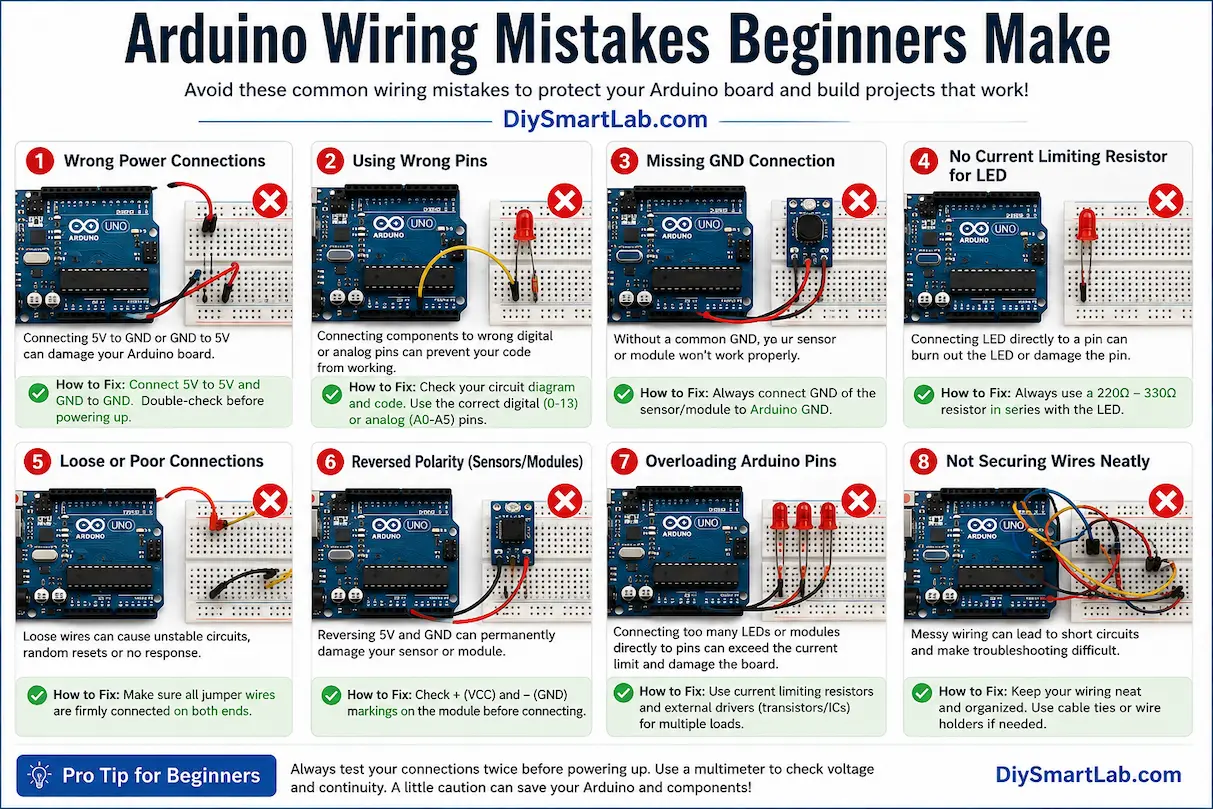
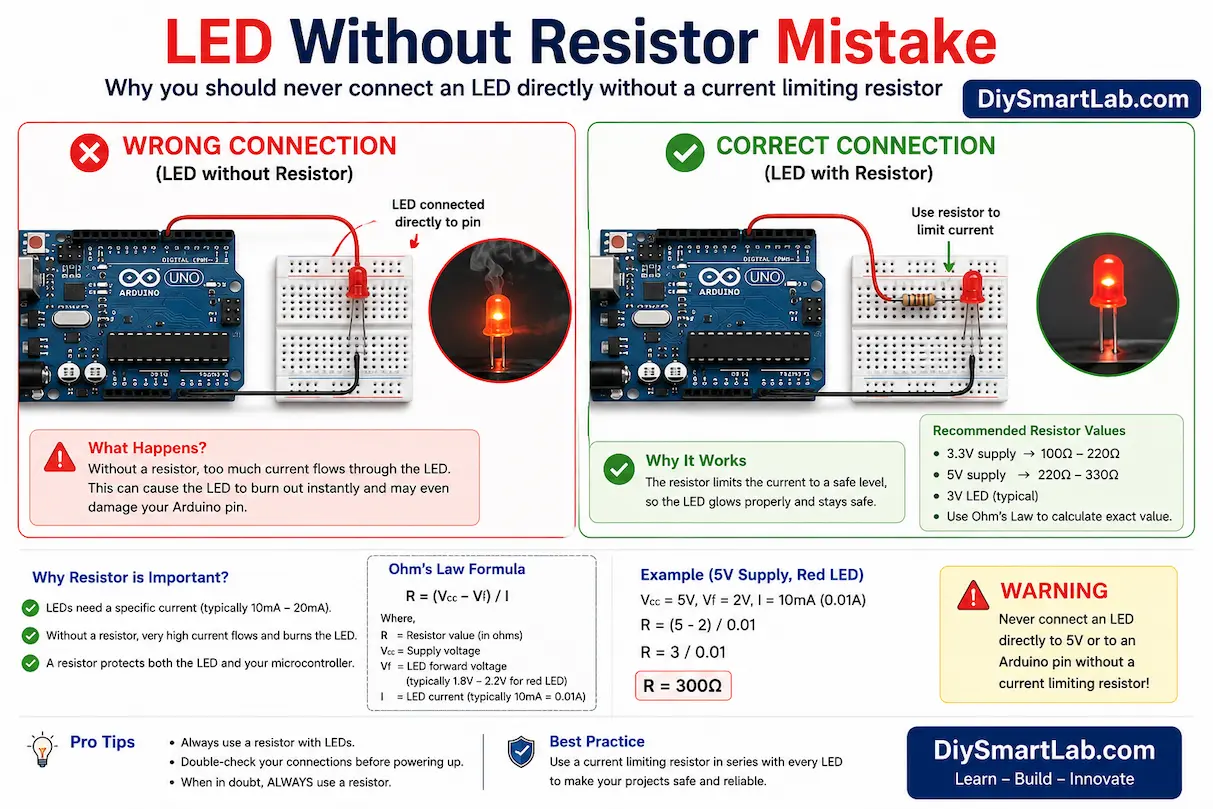
1. Connecting LEDs Without a Resistor
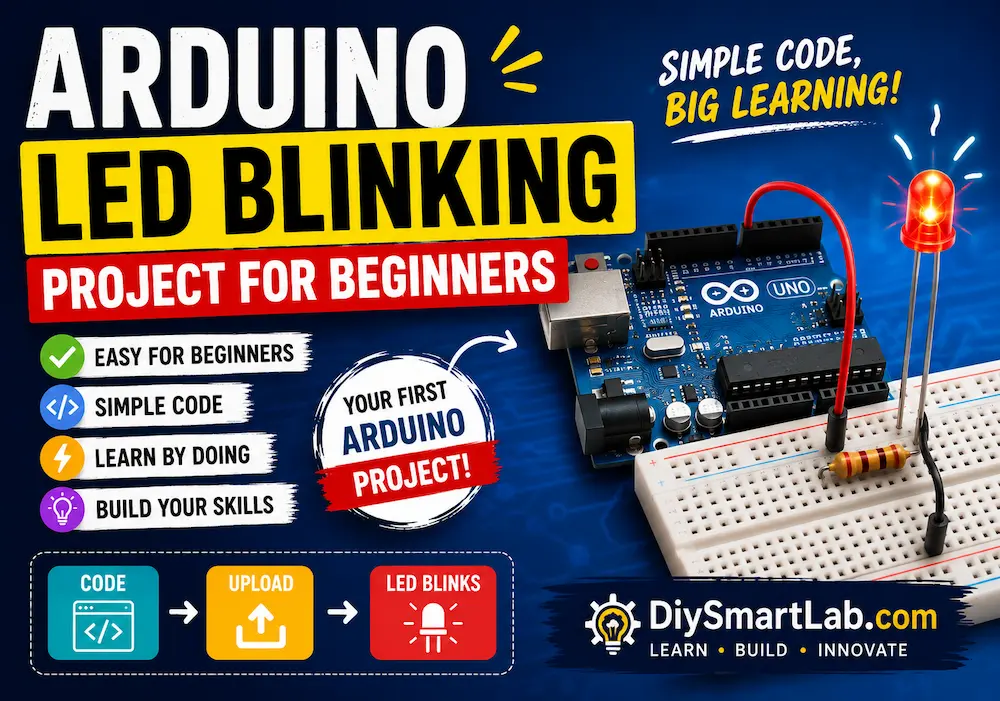
One of the most common beginner mistakes is connecting an LED directly to a battery or Arduino pin without using a current-limiting resistor.
LEDs require controlled current. Without a resistor, too much current flows through the LED, causing it to burn instantly.
How to Avoid This Mistake
- Always use a resistor with LEDs
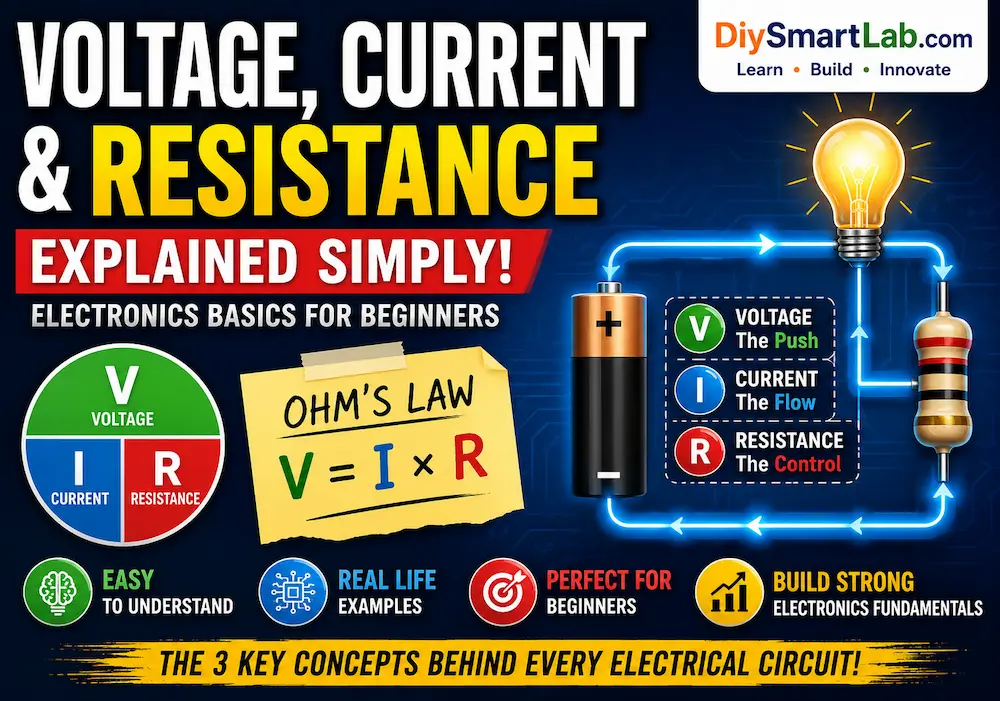
- Use Ohm’s Law to calculate resistor values
- Typical LED resistor values: 220Ω to 1kΩ
- Double-check LED polarity before powering the circuit
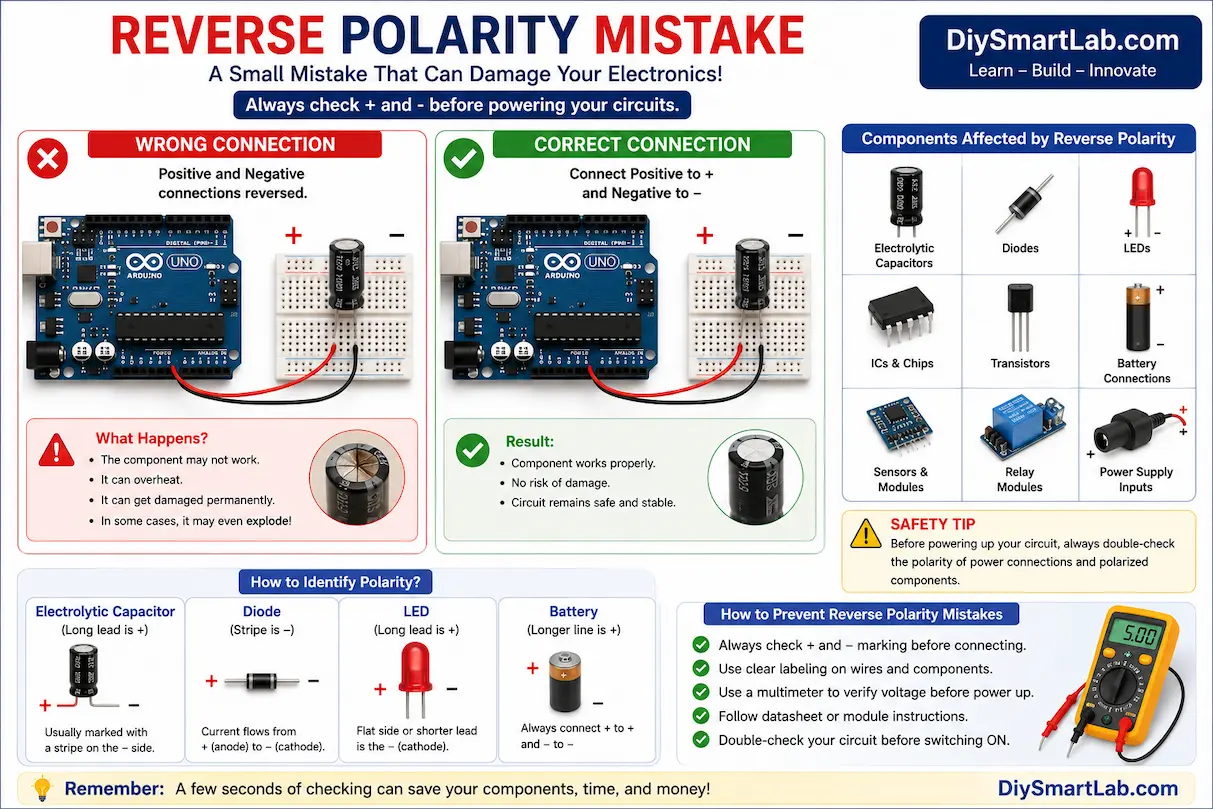
2. Reversing Polarity of Components
Many electronic components are polarized, meaning they must be connected in the correct direction.
Components affected by polarity:
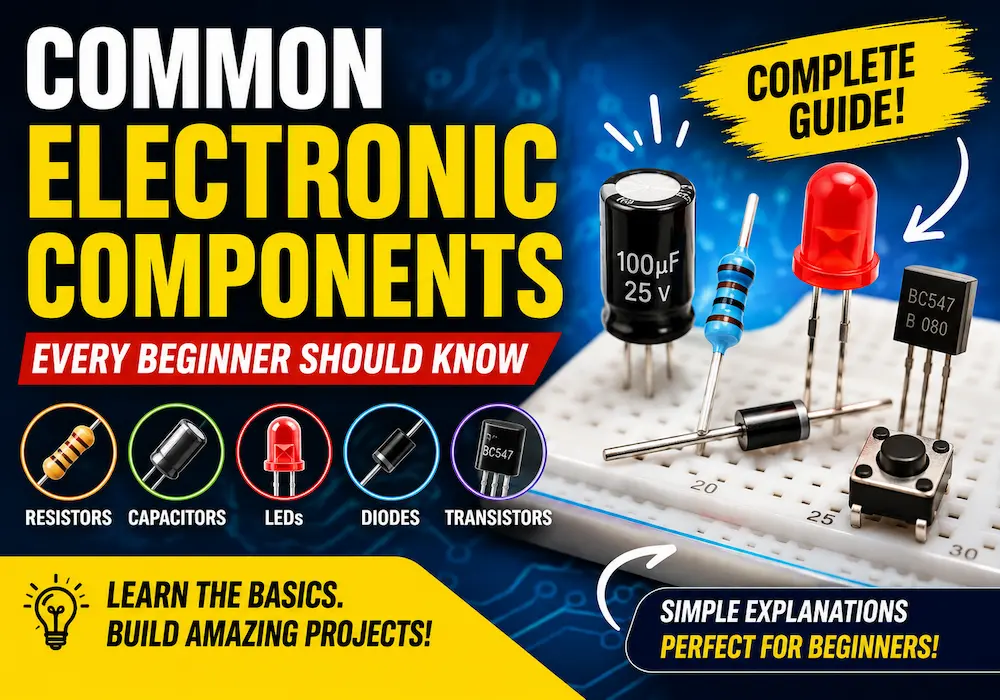
- Electrolytic capacitors
- LEDs
- Diodes
- Transistors
- Battery connections
- Relay modules
Wrong polarity can permanently damage components or prevent circuits from working.
Safety Tip
Always check the positive (+) and negative (-) markings before powering your circuit.
3. Using Wrong Power Supply Voltage
Supplying incorrect voltage is another major mistake beginners make in electronics.
Examples:
- Connecting 12V directly to a 5V sensor
- Using incorrect adapter voltage
- Overpowering Arduino boards
- Ignoring current requirements
This can destroy sensitive components instantly.
Best Practice
- Read component datasheets carefully
- Check operating voltage before wiring
- Use voltage regulators when necessary
- Measure voltage using a multimeter
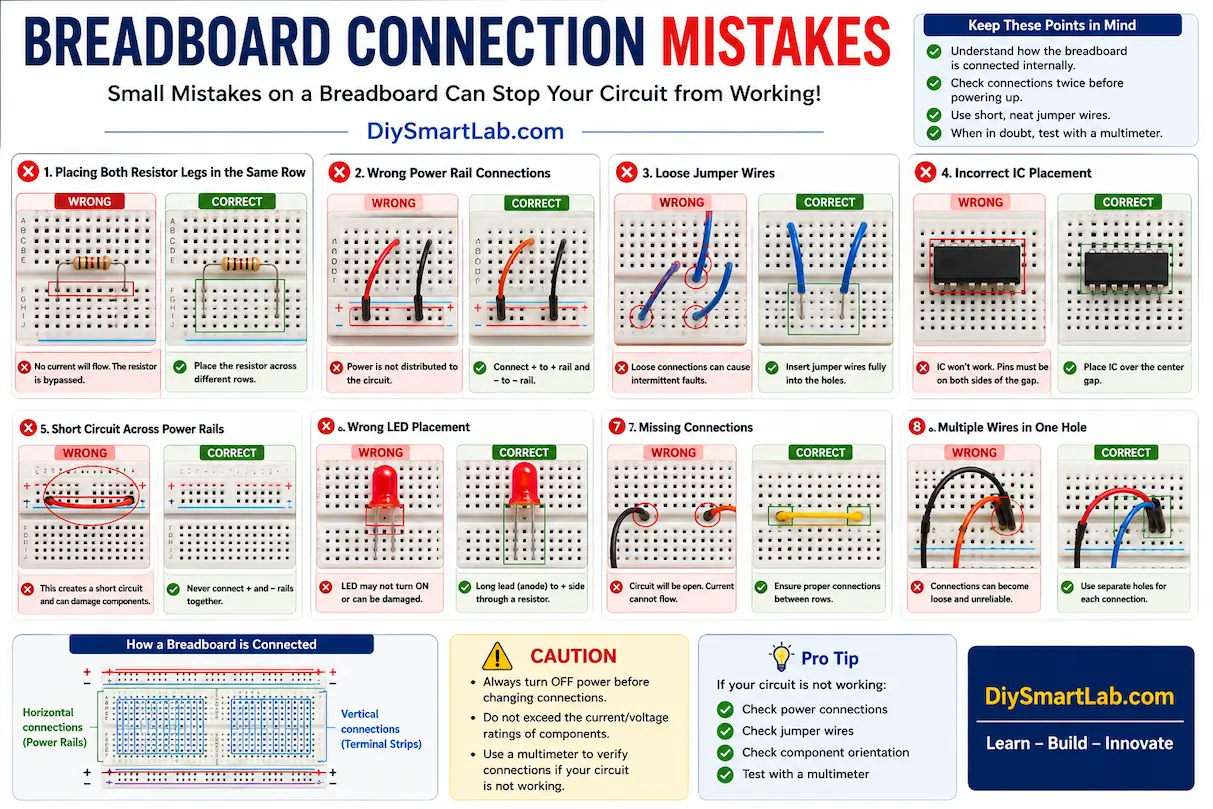
4. Ignoring Breadboard Connections
Beginners often misunderstand how breadboards work internally. Incorrect placement of components may create open circuits or short circuits.
Common Breadboard Errors
- Placing both resistor legs in the same row
- Wrong power rail connections
- Loose jumper wires
- Incorrect IC placement
Understanding breadboard internal connections is very important for successful circuit building.
5. Not Checking Component Ratings
Every electronic component has maximum ratings for voltage, current, and power.
Ignoring these ratings can cause:
- Overheating
- Smoke or burning smell
- Component explosion
- Circuit instability
For example, using a low-power resistor in a high-current circuit may overheat the resistor.
6. Short Circuits Due to Loose Wires
Messy wiring is very common in beginner electronics projects.
Loose jumper wires can accidentally touch each other and create short circuits.
How to Prevent Short Circuits
- Keep wiring clean and organized
- Use color-coded jumper wires
- Double-check all connections
- Disconnect power while modifying circuits
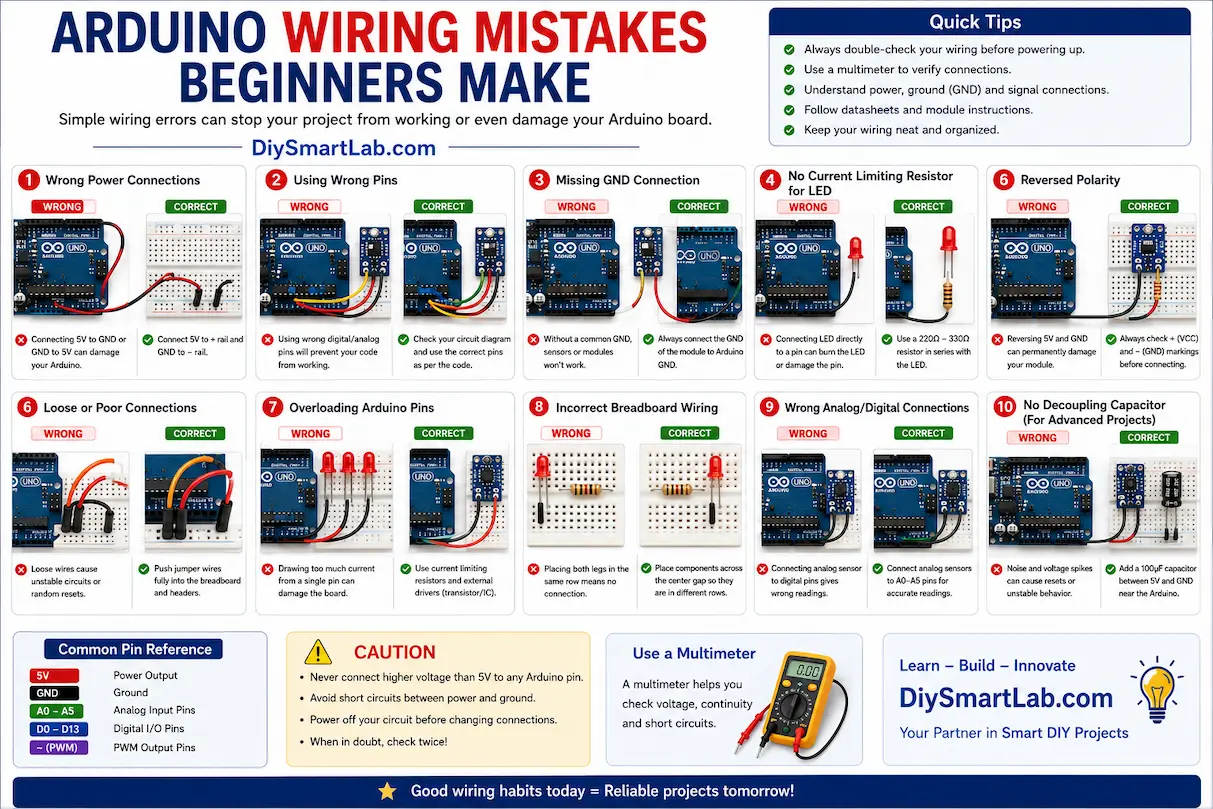
7. Uploading Arduino Code Without Checking Wiring
Many beginners focus only on programming and ignore hardware connections.
Even perfect Arduino code will not work if:
- Sensor pins are connected incorrectly
- Ground connections are missing
- Power supply is unstable
- Wrong pins are used in code
8. Not Using a Multimeter
A multimeter is one of the most important tools in electronics.
Beginners often skip voltage and continuity testing, making troubleshooting difficult.
What a Multimeter Helps You Check
- Voltage levels
- Resistance values
- Continuity testing
- Battery condition
- Short circuits
9. Touching Components While Powered
Some beginners touch components while the circuit is powered ON. This can cause accidental short circuits or electric shocks in high-voltage circuits.
Always turn OFF the power supply before changing connections.
10. Skipping Datasheets and Tutorials
Datasheets contain critical information about electronic components.
Beginners often ignore:
- Pin configuration
- Voltage limits
- Current ratings
- Operating temperature
- Connection examples
Reading datasheets and trusted tutorials can save time and prevent expensive mistakes.
Tips for Beginners Learning Electronics
- Start with simple circuits first
- Use low voltage projects
- Test circuits step-by-step
- Keep your workspace organized
- Label wires clearly
- Learn basic electronics theory
- Practice using a multimeter
- Always check connections twice
Recommended Components for Beginners
- Arduino Uno
- Breadboard
- LEDs
- 220Ω resistors
- Jumper wires
- Push buttons
- LDR sensors
- PIR motion sensors
- Relay modules
- Ultrasonic sensors
Conclusion
Making mistakes is part of learning electronics, but understanding these common beginner mistakes can help you avoid damaging components and improve your projects faster. Always double-check wiring, use proper resistor values, verify polarity, and follow safety practices while working with circuits.
At DiySmartLab.com, we recommend starting with simple electronics projects and learning each component step-by-step before building advanced circuits.
Frequently Asked Questions (FAQ)
Why do LEDs burn out quickly?
LEDs usually burn out because beginners connect them without a current-limiting resistor.
What is the safest voltage for beginners in electronics?
Low-voltage circuits between 3V and 12V are generally safer for beginners.
Why is my Arduino project not working?
Most Arduino problems happen because of incorrect wiring, missing ground connections, or wrong pin assignments in code.
Do I really need a multimeter?
Yes. A multimeter helps identify voltage problems, short circuits, and faulty components quickly.
What is the most common beginner mistake in electronics?
The most common mistake is applying incorrect voltage or wiring components with wrong polarity.
You May Also Like
- Common Electronic Components Every Beginner Should Know
- How to Choose the Right Resistor for Your Circuit
- What is a Breadboard? How to Use It Properly
- What Are Jumper Wires? Types and Uses
- What is an LED? How It Works and How to Use It
- What is Ohm’s Law? Explained with Examples
- Series vs Parallel Circuits Explained
- What is Arduino Uno? Features and Pin Diagram