

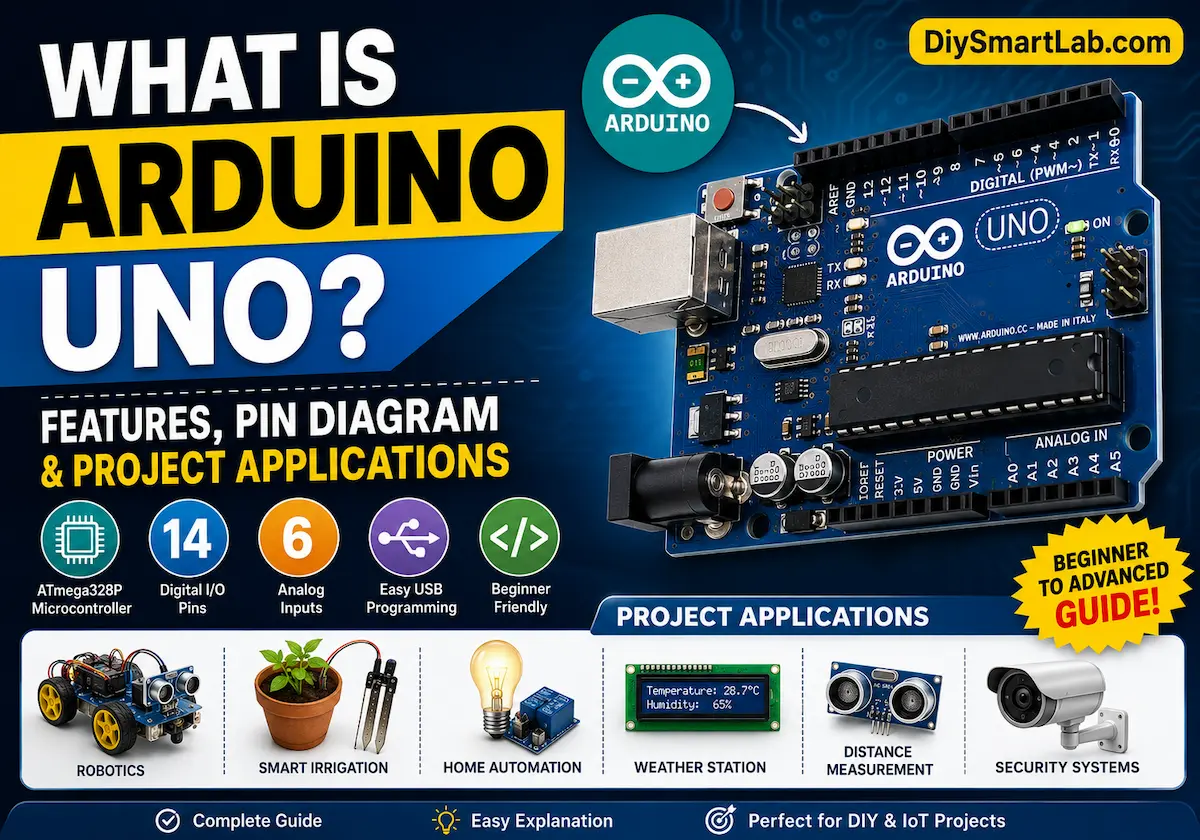

What is Arduino Uno? Features and Pin Diagram
The Arduino Uno is one of the most popular microcontroller boards in the world. It is simple, beginner-friendly, and perfect for DIY electronics projects.
If you want to learn electronics, robotics, or IoT projects, Arduino Uno is a great starting point. It can control LEDs, motors, sensors, displays, and many other electronic devices.
In this beginner-friendly guide, you will learn about Arduino Uno features, specifications, pin diagram, working principle, and project applications.

What is Arduino Uno?
Arduino Uno is an open-source microcontroller board based on the ATmega328P chip. It is designed for beginners, students, and electronics enthusiasts.
The board helps users create electronic projects easily without needing advanced programming knowledge.
Arduino Uno can receive signals from sensors and switches. After processing the data, it can control devices like LEDs, motors, relays, buzzers, and displays.
Today, Arduino Uno is widely used in robotics, smart home systems, IoT projects, automation systems, and educational electronics projects.
Arduino Uno Features
Arduino Uno offers many useful features for beginners and professionals. These features make the board easy to use and highly reliable.
- Based on ATmega328P microcontroller
- 14 Digital Input/Output pins
- 6 Analog input pins
- 16 MHz crystal oscillator
- USB interface for programming
- Operating voltage of 5V
- Supports PWM output
- Built-in voltage regulator
- Easy programming using Arduino IDE
- Large online community support
Arduino Uno Specifications
Before starting any Arduino project, it is important to understand the technical specifications of the board.
| Specification | Value |
| Microcontroller | ATmega328P |
| Operating Voltage | 5V |
| Input Voltage | 7V – 12V |
| Digital I/O Pins | 14 |
| Analog Input Pins | 6 |
| Flash Memory | 32 KB |
| SRAM | 2 KB |
| EEPROM | 1 KB |
| Clock Speed | 16 MHz |
| USB Interface | USB Type-B |
Arduino Uno Pin Diagram
The Arduino Uno board includes digital pins, analog pins, power pins, and communication pins. Understanding these pins is important before starting any Arduino project.

Digital Pins (0–13)
Digital pins are used for digital input and output operations. These pins can read HIGH and LOW signals.
You can use these pins to control LEDs, relays, buzzers, and many other electronic devices.
- Pins 0 and 1 are used for Serial Communication (RX/TX)
- Pins 3, 5, 6, 9, 10, and 11 support PWM output
- Pin 13 includes a built-in LED
Analog Pins (A0–A5)
Analog pins are used to read analog voltage values from sensors.
These pins are commonly connected to temperature sensors, LDR sensors, soil moisture sensors, and potentiometers.
Power Pins
The power pins provide voltage and grounding connections for external devices and modules.
- 5V – Provides regulated 5V output
- 3.3V – Provides regulated 3.3V output
- GND – Ground connection pins
- VIN – External power input pin
- RESET – Resets the microcontroller
Communication Pins
Arduino Uno supports different communication protocols. These communication pins help the board connect with sensors, displays, and modules.
- UART: Pins 0 and 1
- SPI: Pins 10, 11, 12, and 13
- I2C: A4 (SDA) and A5 (SCL)
How Arduino Uno Works
Arduino Uno works by running code uploaded from the Arduino IDE software. The ATmega328P microcontroller reads the program and performs actions based on the uploaded instructions.
The board receives input signals from sensors and modules. Then it processes the data and controls output devices like LEDs, motors, relays, and displays.
For example, Arduino Uno can:
- Read temperature from an LM35 sensor
- Turn ON a relay module
- Blink LEDs automatically
- Control robotic motors
- Display data on LCD screens

Advantages of Arduino Uno
Arduino Uno offers many advantages for electronics learners and makers.
- Easy to use for beginners
- Affordable development board
- Large online community support
- Compatible with many sensors and modules
- Open-source hardware and software
- Simple programming environment
- Perfect for DIY electronics projects
Applications of Arduino Uno
Arduino Uno is used in many electronics and automation projects. It is widely used in schools, colleges, laboratories, and DIY projects.
- Home automation systems
- Robotics projects
- IoT smart devices
- Weather monitoring systems
- DIY electronics projects
- Security systems
- Smart irrigation systems
- LED lighting projects
- Educational electronics learning

Simple Arduino Uno Blink Example
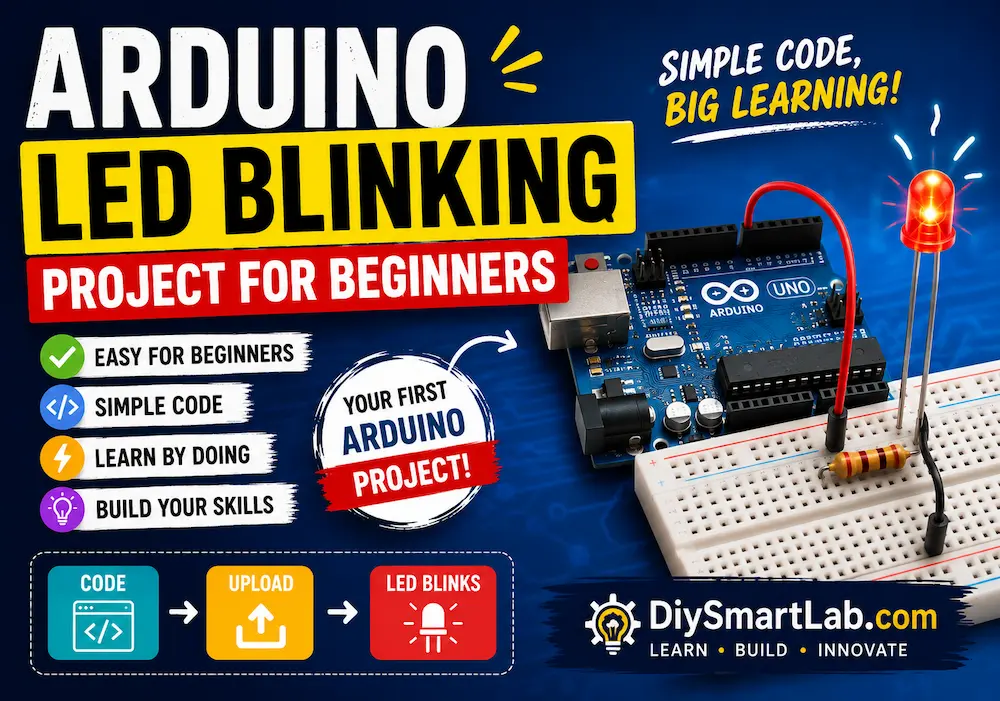
The LED Blink project is one of the first Arduino examples for beginners. This simple program turns the built-in LED ON and OFF repeatedly.
void setup() {
  pinMode(13, OUTPUT);
}

void loop() {
  digitalWrite(13, HIGH);
  delay(1000);

  digitalWrite(13, LOW);
  delay(1000);
}
In this example, the built-in LED connected to Pin 13 blinks every second.
Arduino Uno vs Arduino Nano
Both Arduino Uno and Arduino Nano are popular development boards. However, they are designed for different project needs.
| Feature | Arduino Uno | Arduino Nano |
| Size | Larger | Compact |
| USB Port | USB Type-B | Mini USB |
| Breadboard Friendly | No | Yes |
| Beginner Friendly | Excellent | Good |
| Project Type | Learning & Prototyping | Compact Projects |
Conclusion
Arduino Uno is one of the best development boards for learning electronics, programming, and embedded systems.
Its simple design, beginner-friendly environment, and powerful features make it ideal for DIY electronics and automation projects.
Whether you want to build robots, IoT systems, or sensor-based projects, Arduino Uno gives you an easy and reliable way to start your electronics journey.
Frequently Asked Questions (FAQs)
Is Arduino Uno good for beginners?
Yes, Arduino Uno is one of the best microcontroller boards for beginners because it is easy to use and simple to program.
What programming language does Arduino use?
Arduino mainly uses a simplified version of C and C++ programming language.
Can Arduino Uno run on battery power?
Yes, Arduino Uno can work using batteries, USB power, or external adapters.
How many digital pins are available on Arduino Uno?
Arduino Uno includes 14 digital input/output pins.
What is the operating voltage of Arduino Uno?
The operating voltage of Arduino Uno is 5V.




4 thoughts on “What is Arduino Uno? Features and Pin Diagram”